July 5, 2026
WordPress Hosting: Why Your $4/Month Plan Is Costing You Customers
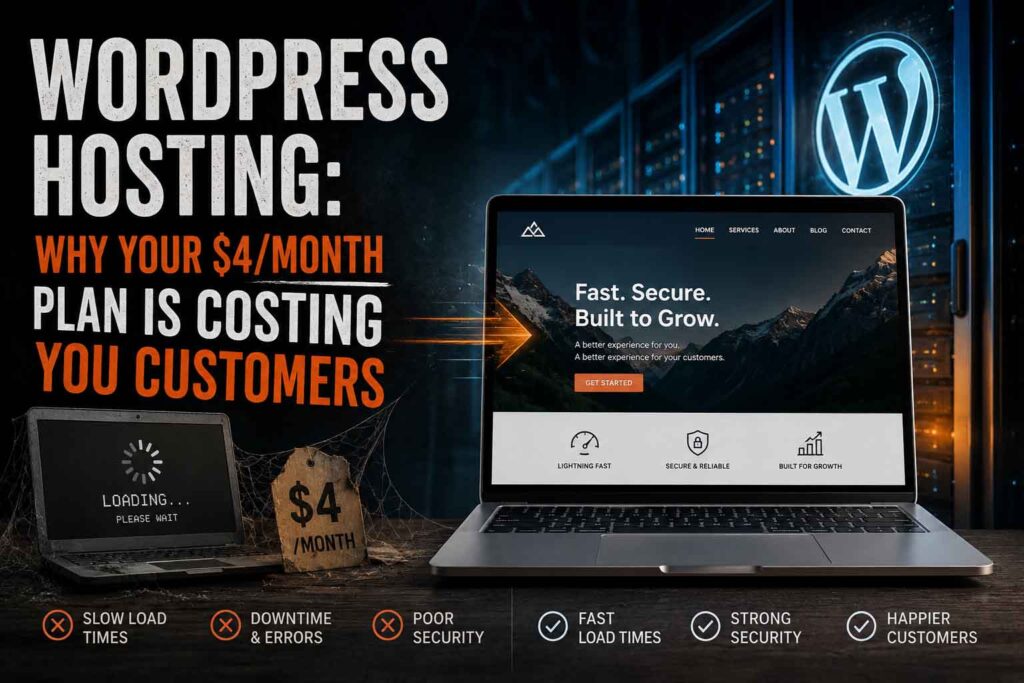
There’s a dirty secret in the WordPress hosting world: the cheapest plans are the most expensive thing you can buy.
That $3.99/month hosting deal? You’re sharing a server with hundreds of other websites, your pages crawl, your site goes down during traffic spikes, and support is a chatbot that suggests you clear your cache. Meanwhile, every second of load time is quietly costing you customers.
Let’s talk about what WordPress hosting actually is, why it matters, and how to pick hosting that works as hard as you do.
What WordPress Hosting Actually Does
Your hosting is the land your website is built on. Build a solid shop on a swamp and it doesn’t matter how good the shop is — it’s sinking.
Hosting determines:
Speed. Server response time is the floor of your site’s performance. No amount of optimization fixes a slow server. Google measures this (it’s called TTFB — time to first byte), and so do your visitors, whether they know it or not.
Uptime. If your site is down when a customer searches for you at 9 PM, that customer calls your competitor. Cheap shared hosting goes down more than the companies admit.
Security. WordPress powers over 40% of the web, which makes it a big target. Good hosts run firewalls, malware scanning, and automatic updates. Bad hosts let your site get hacked and then charge you to clean it up.
Scalability. Run a sale, get mentioned in a local news story, land a viral post — can your hosting handle a traffic spike, or does it fall over right when it matters most?
Shared vs. Managed WordPress Hosting
Shared hosting is the budget motel of the internet. Hundreds of sites on one server, all fighting for the same resources. Fine for a hobby blog. Terrible for a business.
Managed WordPress hosting is built specifically for WordPress. Server-level caching, automatic backups, staging environments, real support from people who know WordPress. It costs more — usually $20–$50/month for a small business site — and it’s worth every penny.
We host client sites on managed WordPress infrastructure with Cloudflare in front of it. That combination means fast global load times, DDoS protection, and a site that stays up. It’s the same stack we run our own stores on — we don’t recommend anything we don’t use ourselves.
Red Flags in WordPress Hosting
Watch out for:
- Teaser pricing. $2.99/month that renews at $14.99. Read the renewal rate, not the promo rate.
- “Unlimited” everything. Nothing is unlimited. There’s always a resource cap buried in the terms of service.
- Upsell mazes. If checkout tries to sell you six add-ons “your site needs,” the base product is deliberately crippled.
- No staging environment. You should be able to test updates on a copy of your site before touching the live one.
- Support that can’t answer WordPress questions. Generic hosting support and WordPress support are not the same thing.
What We Recommend
For most small businesses: managed WordPress hosting with a CDN (like Cloudflare) in front of it, daily automatic backups, and a staging site. Expect to pay $25–$60/month depending on traffic. That’s not an expense — that’s the cost of keeping your storefront open, fast, and secure 24/7.
If you’re doing e-commerce with WooCommerce, don’t even think about shared hosting. Cart and checkout pages can’t be cached the same way regular pages can, so raw server performance matters even more.
The Bottom Line
Your website is only as good as the server it lives on. Cheap hosting is a slow leak — you don’t notice the damage day to day, but it adds up in lost customers, lost rankings, and eventually a panicked call when the site goes down.
At Gorilla Public, hosting comes managed and monitored — we handle the server, the security, the backups, and the updates, so you can run your business instead of babysitting a website.
Want hosting that just works? Talk to Gorilla Public about managed WordPress hosting →
