July 5, 2026
WooCommerce Plugins: The Difference Between a Store That Runs and a Store That Runs You
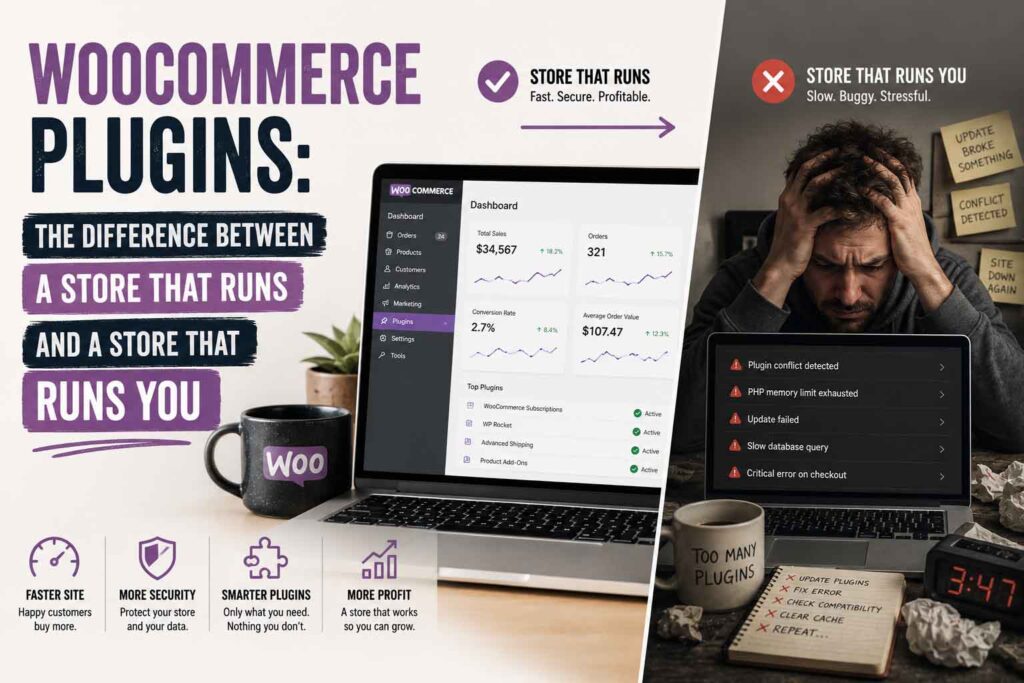
Here’s a stat that should scare you: the average WooCommerce store we audit is running 35+ plugins. Half of them overlap, a quarter haven’t been updated in a year, and at least one is quietly adding half a second to every page load.
Plugins are the best and worst thing about WooCommerce. The right ones turn your store into a machine. The wrong ones turn it into a Jenga tower.
We run our own WooCommerce store doing six figures a year, and we build custom WooCommerce plugins for a living. Here’s the exact playbook — not theory, the actual steps.
The 30-Minute Plugin Audit (Do This Today)
Step 1: Benchmark your current speed. Go to PageSpeed Insights and test three URLs: your homepage, a product page, and your cart page. Write down the mobile scores. This is your “before.”
Step 2: Export your plugin list. In wp-admin, go to Plugins → Installed Plugins. For each active plugin, answer one question: what would break if this vanished? If you can’t answer in one sentence, flag it.
Step 3: Check last-updated dates. Click “View details” on each plugin. Anything not updated in 12+ months, or not tested with your WordPress version, goes on the watch list. These are your future breakage points.
Step 4: Hunt duplicates. The classic offenders: two SEO plugins (Yoast + Rank Math), two caching layers (a caching plugin + host-level caching fighting each other), multiple “optimization” plugins doing the same lazy-loading. Pick one of each, deactivate the rest.
Step 5: Find your anchor. Install Query Monitor (free), load a product page, and look at which plugins add the most database queries and load time. Deactivate the worst offender on a staging site, retest PageSpeed, compare. We’ve seen single plugins responsible for 15+ points of mobile score.
Step 6: Add up your license costs. List every annual plugin subscription. Most stores we audit are paying $800–$2,000/year. Now you know what “free” WooCommerce actually costs — and what budget you have to fix it.
The Lean Stack: What a Store Actually Needs
Here’s a complete, healthy WooCommerce stack — roughly 10–12 plugins, not 35:
Payments: WooPayments or the official Stripe plugin. Enable Apple Pay and Google Pay in the gateway settings — it’s a checkbox, it’s free, and express checkout buttons routinely lift mobile conversion 5–10%.
Checkout: FunnelKit Funnel Builder or CartFlows for a streamlined one-page checkout. Kill the coupon field on checkout if you don’t run public codes — it sends shoppers off-site hunting for discounts.
Cart recovery: FunnelKit Automations or Klaviyo. Set up a 3-email abandoned cart sequence: email 1 at 1 hour (reminder, no discount), email 2 at 24 hours (answer objections — shipping, returns), email 3 at 72 hours (small incentive if your margin allows). Expect to recover 5–15% of abandoned carts; on a store doing $20K/month with a typical 70% abandonment rate, that’s real money every month.
Shipping: Live carrier rates (USPS/UPS plugins) if you ship variable-size orders; table rates if your products are uniform. Audit your actual shipping costs against what you charge quarterly — undercharged shipping is a silent margin killer.
SEO: One SEO plugin (Rank Math or Yoast). Turn on Product schema. That’s what makes your prices and stock status show in Google — and gets you read correctly by AI search.
Backups/security: Host-level daily backups plus an off-site backup (UpdraftPlus to a cloud bucket). Two locations, always.
Performance: One caching plugin unless your managed host already does server-level caching — then skip it and just use a lightweight asset optimizer to defer unused scripts.
Everything beyond this list should justify itself in revenue or hours saved. Monthly.
When to Go Custom Instead
Do the math on any plugin you’re fighting with:
(Annual license) + (hours/month wrestling with it × your hourly value × 12) = true annual cost.
A $99/year plugin you fight for two hours a month at $75/hour is really costing you $1,899/year. Every year. A one-time custom plugin that does exactly your workflow — nothing more — usually pays for itself inside 18 months, and it’s yours forever. No renewal, no feature bloat, no developer abandoning it.
We’ve built custom plugins for returns and label management, back-in-stock notifications, persistent order reminders, wholesale pricing tiers, and shipping rate calculation — every one because the off-the-shelf option was overkill, overpriced, or didn’t exist. A single-purpose plugin is often under 1,000 lines of code. The bloated marketplace version doing the same job ships 30,000.
The Maintenance Routine (15 Minutes a Week)
- Update on staging first. Never raw-dog plugin updates on a live store. Your managed host has one-click staging — use it.
- Update one plugin at a time for anything touching checkout or payments. If something breaks, you’ll know exactly what.
- After updating, place a test order. Full checkout, real payment method, then refund it. Two minutes that catch the disasters.
- Once a quarter, re-run the 30-minute audit. Plugin bloat grows back like weeds.
The Bottom Line
Fewer, better plugins beat a bloated stack every time — and when off-the-shelf doesn’t fit, custom code pays for itself faster than you’d think.
At Gorilla Public we audit plugin stacks, replace bloat with lean custom builds, and sell our own battle-tested WooCommerce plugins — every one proven on our own store first.
Store feeling sluggish? Get a WooCommerce plugin audit from Gorilla Public →
