August 10, 2026
The Ad Recipe: Google Ads for Off-Road Gear Stores Starting From Zero
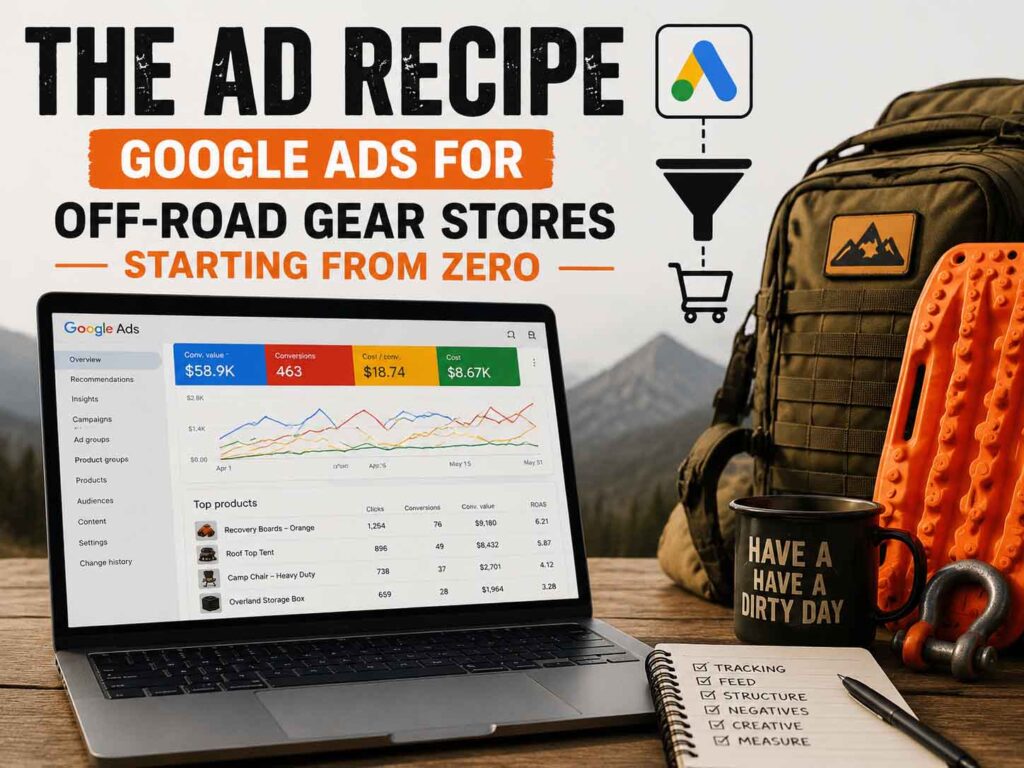
This is the Google half of the playbook. In Recipe #1 we set up Meta ads for an off-road gear store starting from zero. Same store, same assumptions here — modest traffic, little conversion history, a real but modest budget — but Google plays a different position: Meta creates demand by interrupting people who’d love your gear; Google captures demand from people already typing “recovery boards” into a search box. Different job, different recipe. As before: every step twice — technical, then plain English — and it’s the same structure we run for our own gear store.
Who this recipe is for
- E-commerce store selling off-road / camping / overlanding products
- Little or no Google Ads conversion history
- Roughly $20–$50/day for the Google side
- Products people actually search for (if your product is truly novel, weight budget toward Meta — search can’t capture demand that doesn’t exist yet)
Phase 0 — The foundation (Google edition)
The technical setup: Create a Google Merchant Center account and submit your product feed — from WooCommerce, a feed plugin generates it automatically. Fix every disapproval before spending (missing GTINs/identifiers, image rules, mismatched prices). Rewrite product titles for search, front-loading what people type: “MAXTRAX-Style Recovery Boards — Pair, Orange” beats “The Trail Blaster 3000.” Link Merchant Center to Google Ads. Install Google Ads conversion tracking with purchase values (not just counts), turn on Enhanced Conversions, and confirm GA4 is receiving e-commerce events. Keep auto-tagging on, and keep your UTM discipline for your own books.
Phase 1a — Standard Shopping first (weeks 1–4)
The technical setup: Launch a Standard Shopping campaign — deliberately not Performance Max yet. One campaign, all approved products, subdivided into product groups by category (recovery, camp, storage, apparel) so you can see and bid what’s what. Bidding: start Manual CPC or Maximize Clicks with a bid cap for the first couple of weeks, then switch to Maximize Conversions once purchases register. Budget: ~60% of your Google spend. Then work the gold mine Standard Shopping gives you that PMax hides: the search terms report. Weekly, add irrelevant queries as negative keywords (“rental,” “used,” “how to make,” competitor brands you don’t carry) and note the queries that convert — they’re your future keyword and product-title intel.
Phase 1b — The Brand Search campaign (day one, tiny, non-negotiable)
The technical setup: A small Search campaign on your own brand name and close misspellings, exact and phrase match, ~10% of budget, tight ad copy pointing at your homepage and best sellers. If you sell on marketplaces or competitors bid your name, this is defense; either way it’s the cheapest, highest-converting traffic in the account. Keep it in its own campaign so its glossy numbers never blend into — and flatter — everything else.
Phase 2 — Performance Max, once you’ve earned it (roughly 30+ conversions in 30 days)
The technical setup: When the account is producing on the order of 30 conversions a month, launch Performance Max. Feed connected; asset groups split by product category, each with real photos, your best lifestyle video, and copy written for that category. Load audience signals: your customer list, site visitors, and in-market/affinity segments for off-road and camping. Add your brand as a campaign-level brand exclusion so PMax can’t farm your brand searches for easy credit. Bidding: Maximize Conversion Value; add a target ROAS only after a few weeks of stable data. Shift budget so PMax takes roughly what Standard Shopping had — keep Standard Shopping alive smaller (or migrate fully once PMax clearly wins), and keep the brand campaign untouched. Then give it 4–6 weeks of honest runway with changes at most weekly.
Phase 3 — Keep score like an owner (both platforms now)
The technical setup: With Meta and Google both running, expect them to each claim some of the same sales — platform dashboards will happily sum to more revenue than you made. Judge the whole program on blended MER (total revenue ÷ total ad spend) and new-customer count, use GA4 as the neutral referee, and compare each channel’s claimed conversions against its incremental reality: if you pause a campaign for a week and revenue doesn’t move, it was taking credit, not creating sales. Weekly rhythm: search-terms and negatives on Google, creative rotation on Meta, budget nudges of ~20% toward whichever side’s blended contribution is winning. Seasonality is real in this niche — spring and pre-holiday are your windows to lean in.
The recipe card
- Phase 0: Merchant Center feed approved, search-first product titles, conversion tracking with values + Enhanced Conversions, GA4 verified
- Phase 1a (weeks 1–4): Standard Shopping, product groups by category, ~60% of budget — mine the search terms report weekly, build negatives
- Phase 1b (day one): Brand Search campaign, ~10% of budget, quarantined in its own campaign
- Phase 2 (≈30 conversions/month): Performance Max with category asset groups, audience signals, brand exclusions, Maximize Conversion Value → tROAS later
- Phase 3: score both platforms on blended MER and new customers, GA4 as referee, ~20% budget moves, respect the seasons
Two recipes, one system: Meta seeds and sells, Google captures and converts, and you keep score in your own books. Run them as written and you’ll be ahead of most funded competitors’ ad accounts — sequencing and discipline beat budget more often than anyone admits.
Want this recipe cooked for you? We run exactly this playbook — for a flat fee, never a percentage of your spend — at Gorilla Public Digital Marketing. Already running ads and not sure they’re working? Start with the audit: we’ll tell you what to pause, what to scale, and where the money’s leaking.
