July 5, 2026
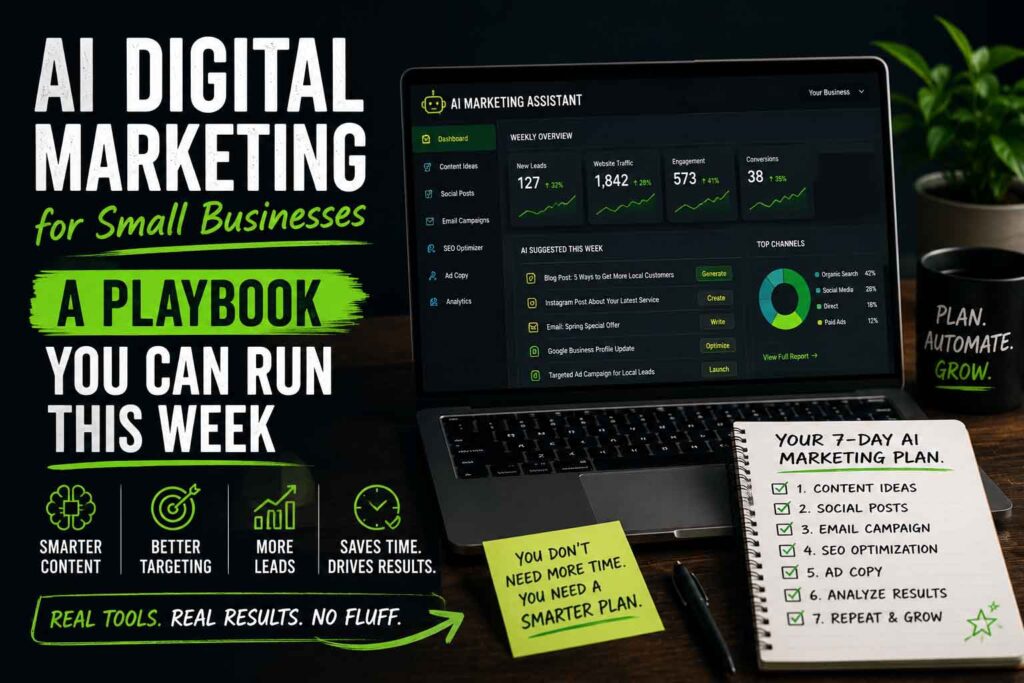
AI Digital Marketing for Small Businesses: A Playbook You Can Run This Week
Every marketing guru on the internet is screaming that AI changes everything. Half of them are selling a $997 course. The other half are selling fear.
Here’s the truth from someone who uses AI in digital marketing every single day — running ads, writing content, analyzing sales data, and building AI tools for real small businesses: AI is a power tool, not a magic wand. So instead of another think piece, here’s an actual playbook. Steps, prompts, and numbers. Run it this week.
Week 1: Content Production (2 Hours, Zero Budget)
The move: Turn one piece of real expertise into a month of content.
- Record yourself talking for 10 minutes about a question customers ask constantly. Phone voice memo is fine. This is the raw material — your actual expertise, not AI’s generic knowledge.
- Transcribe it (your phone does this, or any free transcription tool).
- Feed the transcript to Claude or ChatGPT with this prompt: “Here’s a transcript of me explaining [topic]. Turn this into: (1) a 900-word blog post that keeps my voice and specific examples, (2) three social posts, (3) a customer email. Don’t add facts I didn’t say. Keep my phrasing where it’s strong.”
- Edit everything. Cut anything that sounds like a robot wrote it. Add one local detail or specific number per piece — that’s what separates your content from the AI sludge flooding the internet.
The transcript trick is the whole game. AI writing from your raw material produces content with real expertise. AI writing from nothing produces beige oatmeal that Google and customers both ignore.
Time cost: ~2 hours for a month of content. Compare that to what you were doing before (probably nothing, which is also a strategy — a bad one).
Week 2: AI Data Analysis (1 Hour, Zero Budget)
The move: Find out where your profitable customers actually come from.
- Export three reports: last 90 days of orders from WooCommerce (Analytics → Orders → Export), your Google Ads campaign report, and your Meta Ads campaign report. CSVs, all of them.
- Upload all three to Claude with this prompt: “Here’s 90 days of my order data and ad spend. Tell me: (1) revenue and estimated profit by traffic source, (2) which campaigns drive one-time buyers vs. repeat customers, (3) my three biggest leaks, (4) where you’d move $500 of monthly budget and why. Show your math.”
- Sanity-check the math before acting. AI is great at finding patterns and occasionally confident about wrong arithmetic. Verify the two or three key numbers yourself, then move budget.
Do this monthly. Same prompt, fresh data. The month-over-month comparison is where the real insights live.
Watch for: the classic small-business trap of optimizing for cheap clicks instead of profitable customers. A campaign with $2 clicks that never converts is more expensive than a $8-click campaign that does.
Week 3: Feed the Ad Machines Better Data (2 Hours, Zero Budget)
Google and Meta’s AI already runs your ads. Your job is feeding it accurate conversion data — garbage in, garbage bidding out.
- Verify purchase tracking end-to-end. Place a real test order, then confirm it shows in Google Ads conversions and Meta Events Manager within 24 hours. You’d be stunned how many stores are running “AI-optimized” campaigns on broken tracking.
- Pass actual purchase values, not just conversion counts. In WooCommerce this is usually one setting in your Google/Meta integration plugin. Value-based bidding can’t work without values.
- Add UTM parameters to every ad (Google’s auto-tagging handles its side; build Meta URLs with UTMs manually or via template). Now your own analytics can audit what the platforms claim — because platform-reported results always flatter the platform.
- One warning from experience: don’t switch bidding strategies (like Maximize Conversions → Maximize Value) casually. Every strategy change resets the learning phase and can crater performance for 1–2 weeks. Change one variable at a time and give it two weeks before judging.
Week 4: Deploy a Chatbot (If Traffic Justifies It)
If you get 1,000+ visitors a month, you’re losing after-hours leads right now. An AI chatbot trained on your actual business — your products, policies, service area, pricing — answers questions and captures leads at 11 PM while you sleep.
Setup checklist for any chatbot you deploy:
- Train it on your real content (site pages, FAQs, policies) — not generic AI knowledge.
- Set a hard monthly API spend cap so a traffic spike or bot swarm can’t run up your bill.
- Give it an escalation path: name, email, and question captured and sent to you when it can’t answer.
- Review the chat logs weekly for the first month. The questions people ask your bot are free market research — and usually reveal what’s missing from your website.
What NOT to Do
- Don’t publish raw AI output. Google’s ranking systems and your customers can both smell it.
- Don’t auto-generate 100 pages overnight. That’s a spam pattern, and it gets sites tanked.
- Don’t let AI touch budgets unsupervised. AI recommends; humans approve.
- Don’t buy “AI-powered” anything without asking what the AI specifically does. Vague answer = vaporware.
The Bottom Line
That’s a four-week ramp: content leverage, profit analysis, clean ad data, and 24/7 lead capture — most of it free, all of it doable by one busy owner. The small businesses winning with AI aren’t the ones with the biggest budgets. They’re the ones pairing AI’s speed with human judgment and real expertise.
That’s how we work at Gorilla Public. We build AI marketing tools, run AI-assisted campaigns, and deploy AI chatbots for small businesses — no hype, no $997 course, just tools that pull their weight.
Want AI working for your business instead of confusing it? Talk AI marketing with Gorilla Public →
